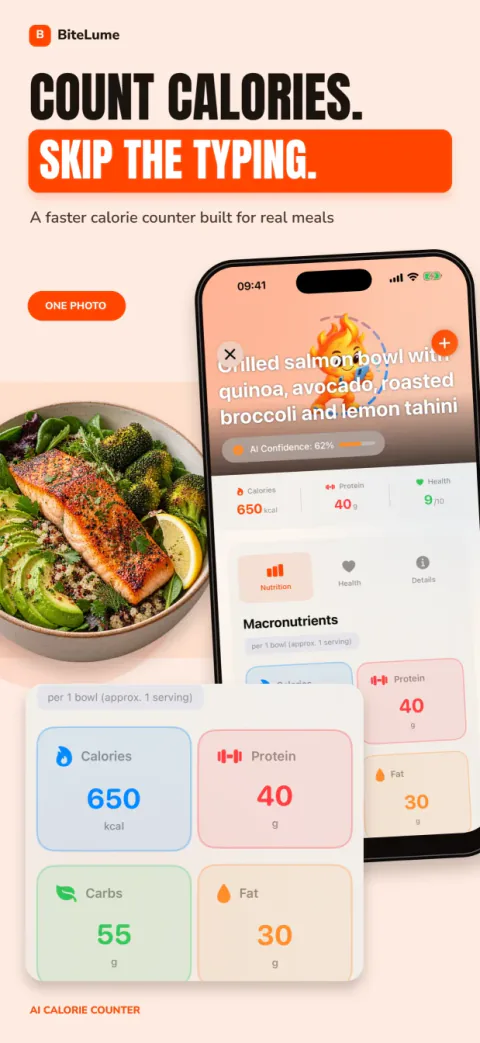
Scan a meal from a photo
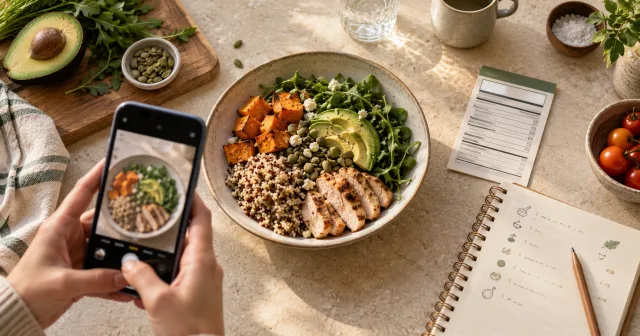
Use AI food recognition to identify what is on the plate and produce a practical starting estimate—without scrolling through a long database first.
AI calorie scanner for iPhone
Take a meal photo to estimate calories, protein, carbohydrates and fat. Review the result, add what the camera cannot see, and follow your nutrition patterns with BiteLume.
Estimates you reviewBiteLume is clear about what a meal photo can and cannot reveal.
Evidence-aware guidanceOur guides cite public-health and peer-reviewed sources where they matter.
Plain-language policiesMeet the developer and read our editorial standards.
Less logging. More learning.
BiteLume removes the most tedious part of a food diary. Capture what you ate, review the estimate, and keep the bigger picture in view.
Use AI food recognition to identify what is on the plate and produce a practical starting estimate—without scrolling through a long database first.
See calories, protein, carbohydrates and fat together, so a number becomes a more useful view of the meal.
Set a personalized direction, track weight and streaks, and look back across daily, weekly and monthly progress.
Bring food, water intake and logged activity into the same routine, with health metrics and progress insights available when you need them.
How BiteLume works
Photo estimates can never see every ingredient or exact portion. BiteLume makes the result useful by giving you a fast starting point to review and track.
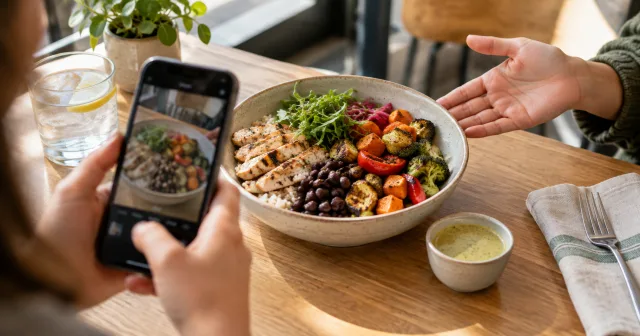
Fit the full plate in the frame with clear light. A visible, separated meal gives the scanner more context.
Check the recognized foods, portion assumptions, calories and macros. Correct anything the photo could not show.
Add the meal and use your dashboard to focus on trends over time—not perfection in a single scan.
Inside the app
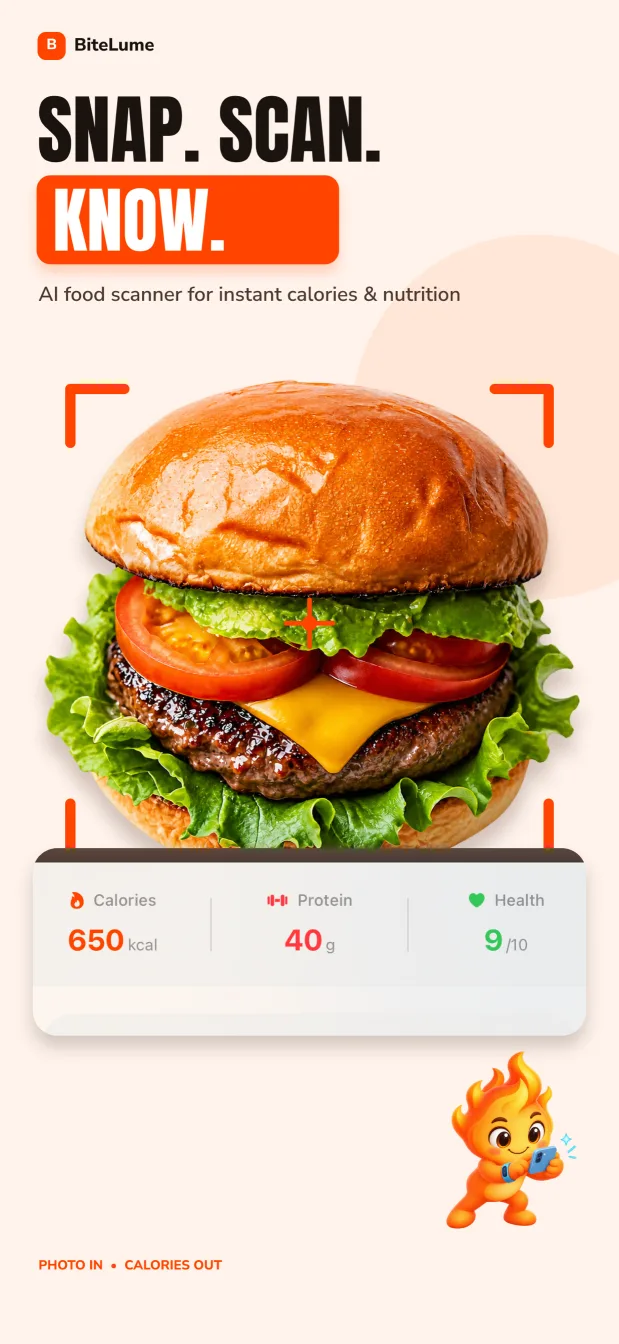
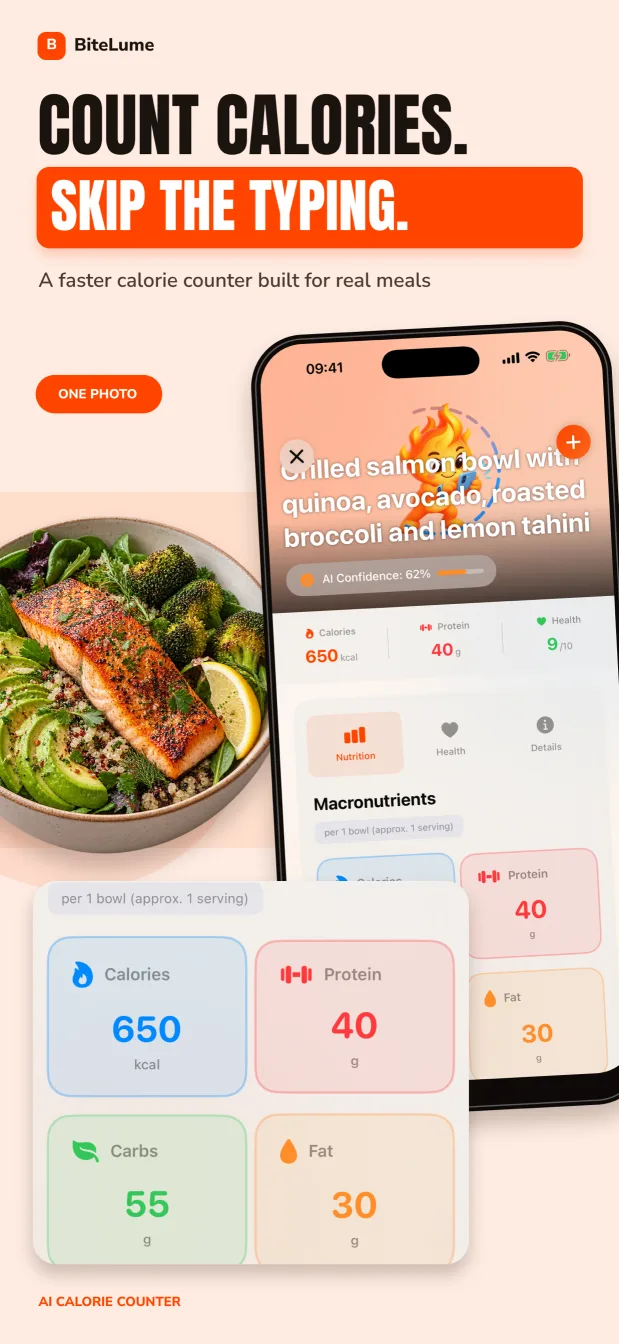
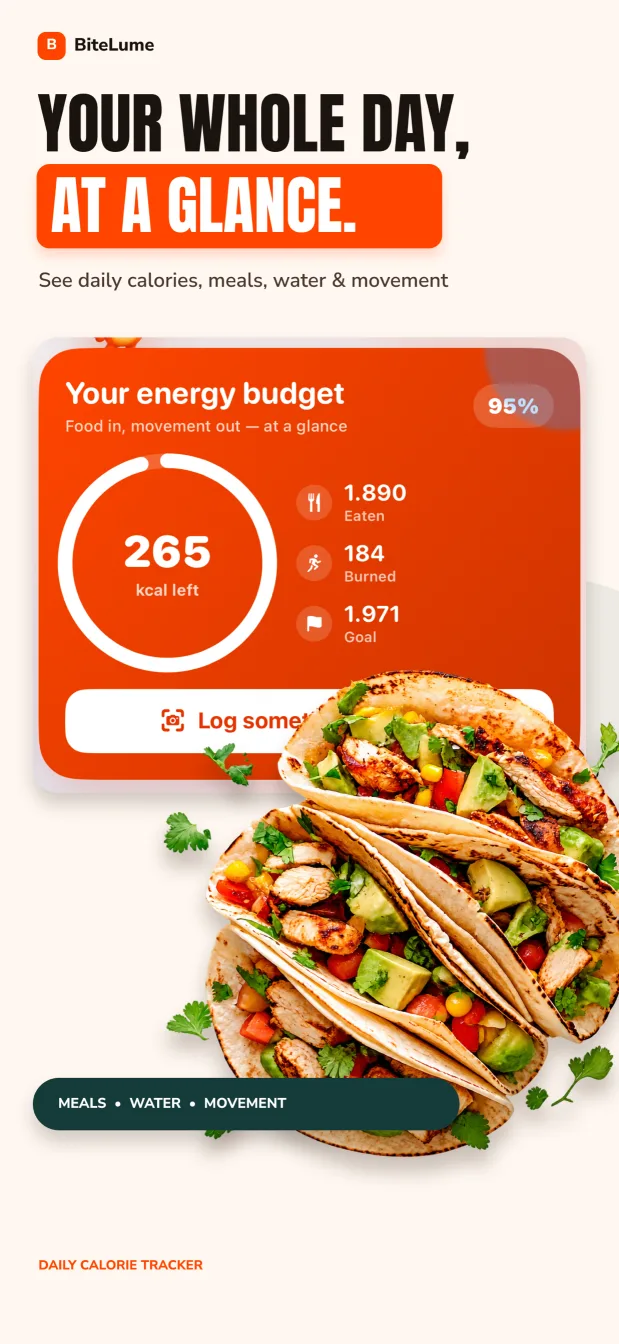
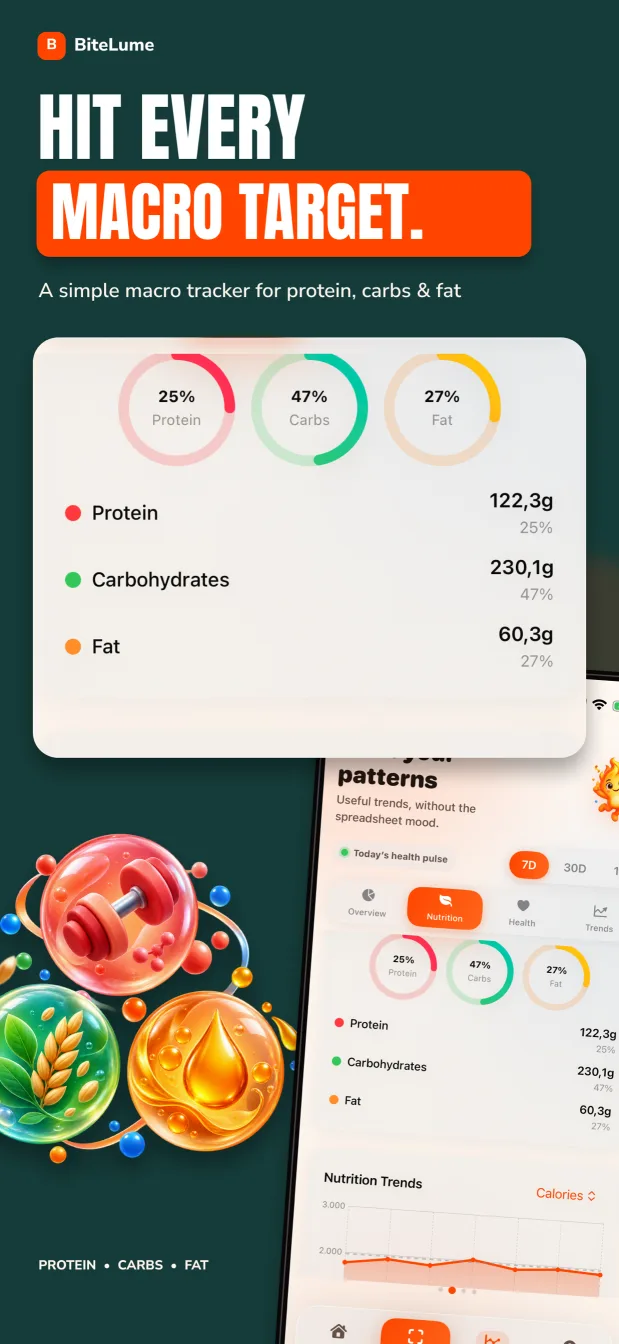
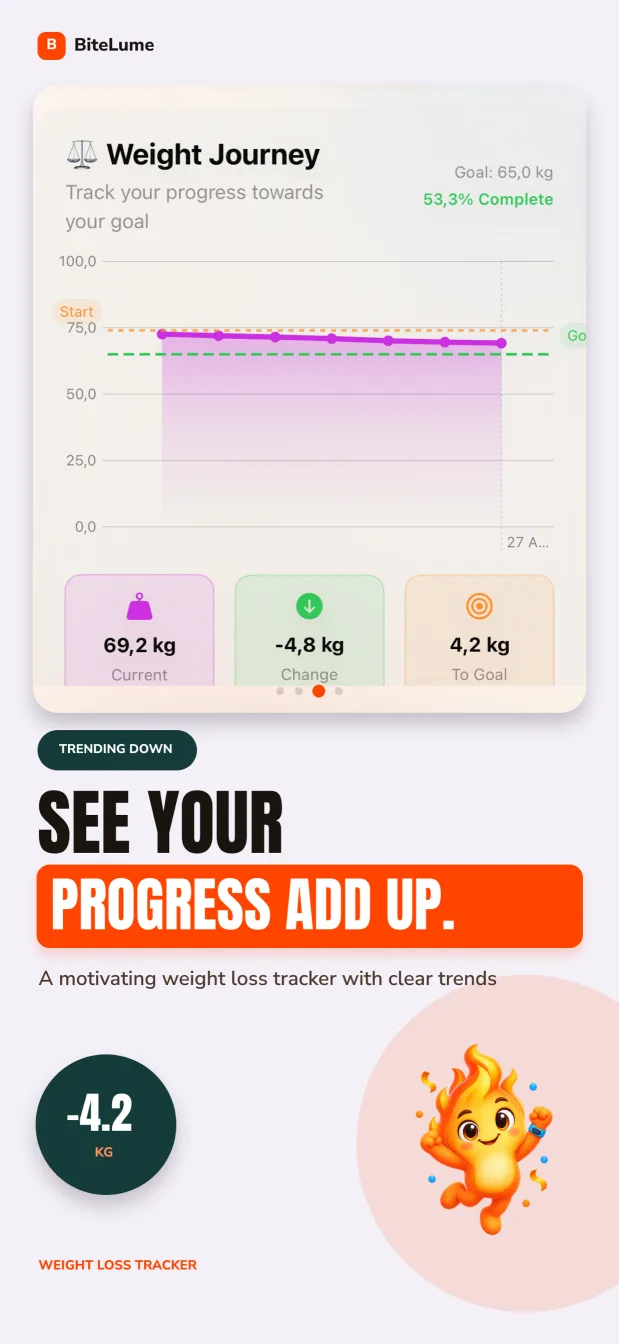
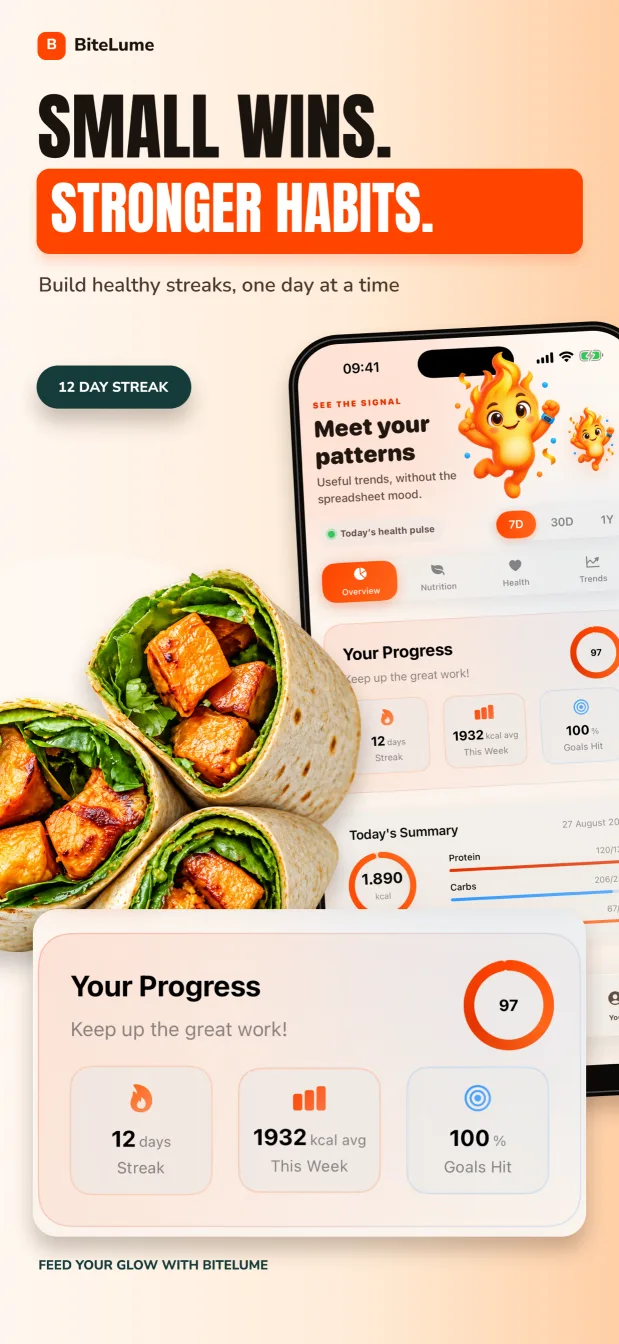
Explore the current App Store screenshots: photo scanning, nutrition detail, wellness metrics and progress views.
Practical nutrition guides
Learn how to estimate a meal, review a food-photo result, track macros and build a routine that fits everyday life.
Turn one iPhone meal photo into a reviewed calorie and macro estimate with a four-step workflow and practical fixes for difficult scans.
Read the guide 02Use a meal photo to start a protein, carbohydrate and fat log, then review the details that make macro estimates more useful.
Read the guide 03A dependable recipe method for homemade meals, plus a faster photo workflow when you need a practical estimate rather than exact ingredient math.
Read the guide 04Start with published menu nutrition when it exists; otherwise break the plate into components and turn a BiteLume scan into an honest estimate.
Read the guide 05A lower-friction calorie-counting method using food photos and familiar portions, with selective weighing only when it teaches you something useful.
Read the guide 06There is no universal accuracy number: food recognition, portion size, recipes and nutrient matching all affect a photo-calorie estimate.
Read the guide 07Learn how a visual food log creates a practical meal history, what its pictures can and cannot show, and how to review it without judging one meal.
Read the guide 08A daily tracking method that separates your planned calorie gap from the real trend and accounts for uncertain food and activity estimates.
Read the guide 09Turn an estimated energy need into a practical daily goal, monitor it without rigid perfection and adjust from evidence rather than guesswork.
Read the guideStart with the calculation
Learn where calorie numbers come from, estimate food without a label, check the energy in macros and calculate a homemade recipe from its ingredients.
A calorie number can come from laboratory analysis, regulated label calculations or an estimate built from ingredients and portions. Here is what each method can and cannot tell you.
Keep readingWhen a meal has no label, build the estimate from visible components, reliable food records and the portion evidence you actually have.
Keep readingThe 4-4-9 rule is a useful macro check, not a perfect way to reconstruct every food label. Learn the factors, the exceptions and how to use them.
Keep readingTurn an ingredient list into a useful per-serving estimate by recording edible amounts, totaling nutrients and weighing the finished batch.
Keep readingFrequently asked
Yes. An AI calorie scanner can recognize visible foods and estimate portions, calories and macros from a photo. The result is a starting estimate: review ingredients, serving size, oils and sauces before adding the meal.
Learn moreOpen BiteLume, photograph the full meal in clear light, then review the foods and nutrition estimate it returns. Correct anything the camera could not see before saving the meal to your day.
Learn moreA clear meal photo can support an estimate of protein, carbohydrates and fat after the foods and portions are identified. Mixed recipes and hidden ingredients need extra review because the camera cannot measure them directly.
Learn moreFor the most controlled estimate, total the ingredients used in the recipe and divide by the portions served. A BiteLume photo scan can give you a faster starting point when you do not have the complete recipe.
Learn moreUse the restaurant’s published nutrition when it matches your order. Otherwise, photograph the whole plate, identify calorie-dense extras such as oil and sauces, and treat the final number as a reasonable range rather than an exact measurement.
Learn moreYes. Visual portions, package servings, recipe yields and meal photos can all create useful estimates without a scale. Weighing is more precise, but a repeatable lower-friction method is often easier to maintain.
Learn moreAccuracy varies with image quality, food visibility, recipe complexity and portion assumptions. AI scanners are most useful as quick estimates that you review, not as laboratory measurements or medical nutrition tools.
Learn moreA photo food diary records meals visually so you can remember what, when and how you ate. BiteLume adds estimated calories and macros to that visual record, making patterns easier to review over time.
Learn moreStart with a sensible calorie target, log food consistently and compare intake with the target across a week. Body weight naturally fluctuates, so use multi-week trends and adjust gradually instead of reacting to a single day.
Learn moreA daily calorie goal begins with an estimate of your energy needs, then changes according to whether you want to maintain, lose or gain weight. Health conditions and individual needs can require advice from a qualified professional.
Learn moreThe BiteLume journal
Interesting, evidence-aware reads on photo food tracking, calorie estimates, macros, portion clues and everyday consistency.
Turn an ingredient list into a useful per-serving estimate by recording edible amounts, totaling nutrients and weighing the finished batch.
Keep readingThe 4-4-9 rule is a useful macro check, not a perfect way to reconstruct every food label. Learn the factors, the exceptions and how to use them.
Keep readingWhen a meal has no label, build the estimate from visible components, reliable food records and the portion evidence you actually have.
Keep readingA calorie number can come from laboratory analysis, regulated label calculations or an estimate built from ingredients and portions. Here is what each method can and cannot tell you.
Keep readingChoose a snack for the job—portable, satisfying, affordable or easy to store—then log the product and portion you actually eat.
Keep readingChoose a clear protein food, add the rest of the meal for your preferences and verify portions instead of copying a generic macro total.
Keep readingYour next meal is enough to start
Download BiteLume on iPhone and turn everyday meals into a clearer view of calories, macros and progress.