Choose one consistent recording convention and include each meal once. When your app uses calendar days, keep that structure and add shift context in a separate note if needed. Photograph meals when they happen, include drinks and snacks, and review consecutive days together. Do not assume BiteLume supports a custom day cutoff or a special night-shift mode.
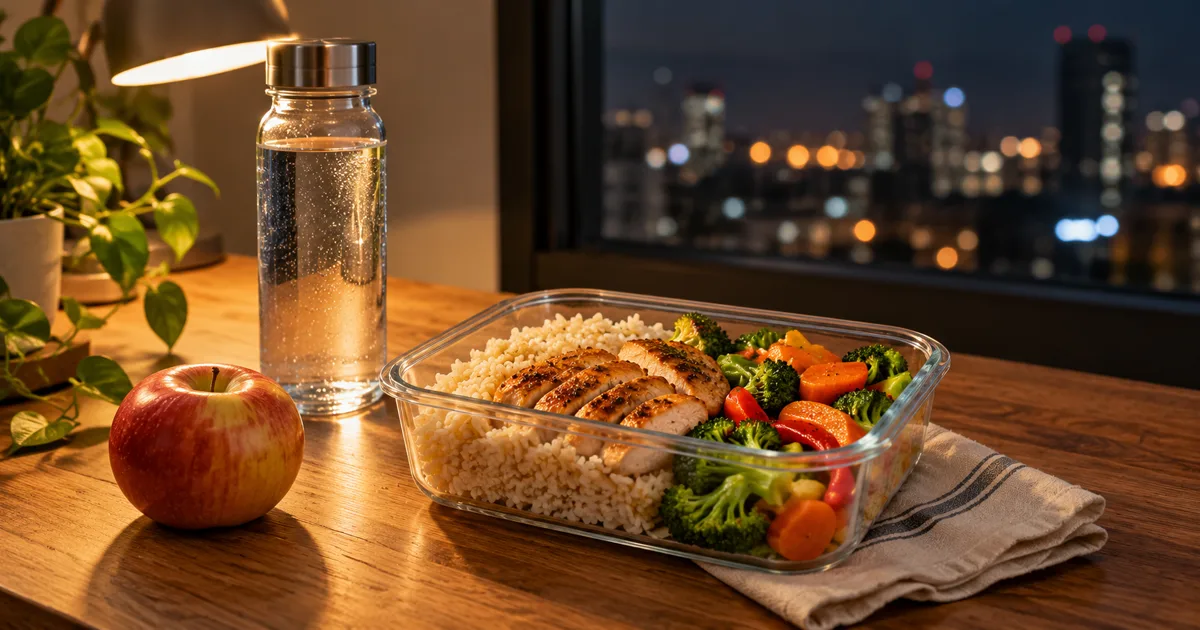
Your shift and the calendar do not have to be the same unit
A shift is an event with a start and an end. A calendar day is a date boundary. Your Tuesday-night shift may include food logged on Tuesday and Wednesday without any food going missing. Problems arise when a meal is moved mentally between those units and counted twice—or not counted at all.
If your diary groups food by date, preserve that system consistently. You can still review both dates as one shift using a short timeline. A note such as Monday-night shift connects the records without moving a meal away from the date when you ate it.
Use a short overnight timeline
Imagine a shift starting Monday at 22:00 and ending Tuesday at 06:00. A meal before work belongs to Monday by calendar date; the meal at 01:30 and the food after work belong to Tuesday. That split is a filing choice, not a judgment about which meal counts as breakfast.
Keep the clock time when the meal happens. The timeline below is an example of record organization, not a recommended eating schedule or calorie prescription.
Swipe to see the full table
| Eating occasion | Actual date and time | Useful context |
|---|---|---|
| Meal before the shift | Monday 20:30 | Before Monday-night shift |
| Mid-shift meal | Tuesday 01:30 | During the same overnight shift |
| Drink or snack | Tuesday 04:00 | Include the amount consumed |
| Meal after work | Tuesday 07:00 | After that shift, before the next sleep period |
Capture the meal before the break ends
A quick photo is useful when breaks are short and meals are eaten at odd hours. Photograph the actual portion, not just the packed container before you know how much you will eat. If you return to it later, distinguish the second portion from food already recorded.
Give drinks their own attention. Milk, creamer, syrup, juice and energy-containing shakes can be easy to forget during a long shift. Record the product or amount when known instead of asking a dark break-room photo to reveal the recipe inside the cup.
When workdays rotate, keep the rule stable
Rotating shifts can make a wake-to-sleep definition of a day hard to compare. A longer awake period may cross more than one calendar date. Avoid solving the filing problem by creating a second food allowance at midnight or compensating for a short day with restriction.
Review the dated records over several days, alongside work and sleep context. A weekly average can make irregular dates easier to compare. If shifts are affecting your health or how you eat, discuss your individual needs with an appropriate clinician.
Sources for this section: CDC/NIOSH: coping with night and evening shifts
Make packed food easier to identify later
Keep a known recipe portion for a packed meal when possible. Note the container's share of the batch rather than rebuilding the ingredient calculation at 03:00. A labelled yogurt or drink can use its exact product information; an unlabeled canteen plate can use a reviewed estimate.
A photo shows what was available, while a note about leftovers shows what was eaten. Keep perishable packed food at an appropriate temperature and follow your workplace's food-storage arrangements. Tracking convenience does not replace basic food safety.
Use BiteLume as the meal record, then review adjacent dates
Photograph the meal in clear light, review the recognized food and portion, and save the record in BiteLume. A separate dated shift note can connect the meals before and after midnight when you review the shift later.
At the end of the shift, check for missing drinks, repeated entries and meaningful leftovers. The useful review asks whether the eating occasions are represented once. It does not require every irregular workday to resemble a standard three-meal schedule.
Questions people also ask
Which day should I log food eaten after midnight?
Use the actual calendar date when your diary groups entries by date, and keep any shift context separately. Consistency matters more than treating a shift and a calendar day as identical.
Does my calorie allowance restart because a shift crosses midnight?
A date change is a diary boundary, not evidence of a new physiological need or a reason to eat or restrict to match the screen. Use an appropriate personal plan and consistent records.
Does BiteLume have a night-shift day cutoff?
A custom cutoff has not been verified from the current public listing. Use the available dated meal workflow and separate shift notes rather than assuming this feature exists.
How do I avoid logging an overnight meal twice?
Record it when eaten with its actual date and time, then review the consecutive calendar dates together. Check that later portions are new food rather than duplicate entries.
Keep your next shift's meals together.
Capture meals when they happen and use BiteLume as the starting point for a clear, reviewed food record.